
Picture this: You're browsing a website on your phone. You spot the "Accept" button, reach for it, and at the last millisecond the entire page jumps. You've just accidentally clicked a high-risk ad or "Subscribe" button instead.
Incredibly frustrating, right?
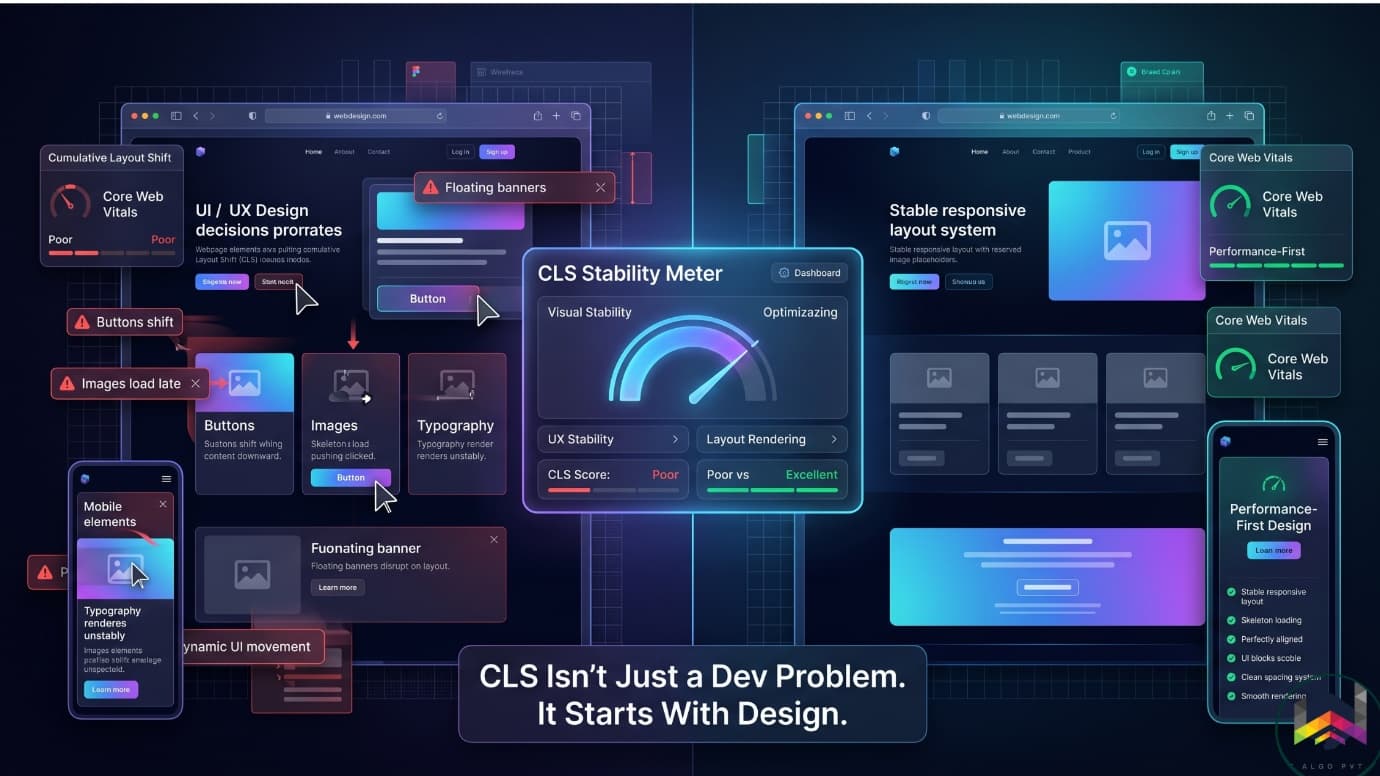
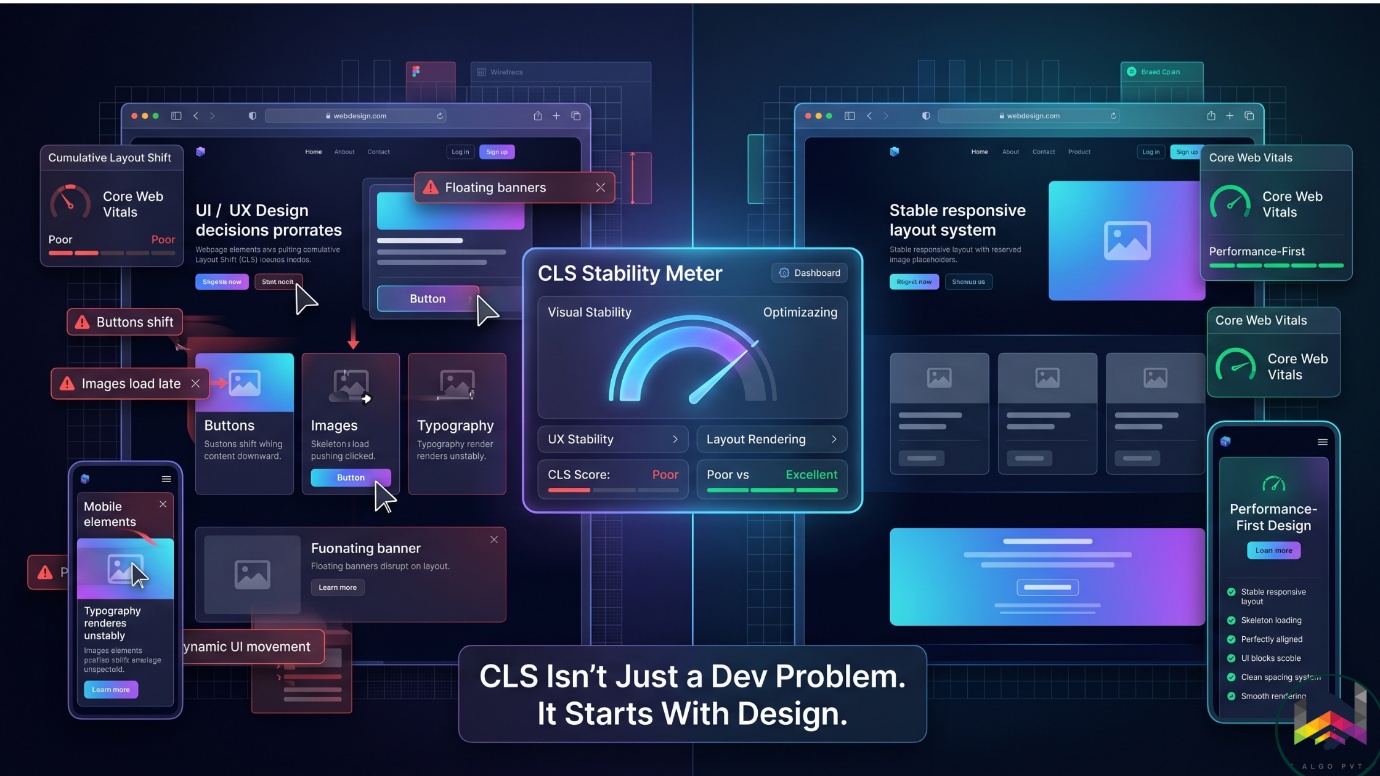
When businesses notice their websites suffering from these chaotic jumps, they usually blame developers: "Fix the code!" But here's the secret most teams don't know: CLS problems usually begin during the design phase long before development starts.
Why CLS Matters (The Business Impact)
Cumulative Layout Shift (CLS) is a Core Web Vital measuring unexpected page movement while loading. But it's more than a technical metric it directly impacts revenue and search rankings.
2025 Data:
- 72% of websites achieve good CLS (0.1 or below), but 11% still suffer
- Sites with high CLS experience 30-40% lower conversion rates
- Mobile pages with unoptimized layouts have 3x higher bounce rates
- Google actively penalizes poor CLS in search rankings
The pattern is clear: [Poor CLS Design] → [Accidental Clicks] → [Higher Bounce Rates] → [Lost Revenue & Rankings]
The Design vs. Development Breakdown
Here's the critical argument: Bad layout stability starts with design decisions, not development failures.
Designers Control (~60%):
- Spacing systems and whitespace allocation
- Image aspect ratios and responsive behaviour
- Typography hierarchy and font loading strategy
- Component architecture and reserved space
- Animation and motion guidelines
Developers Control (~40%):
- Asset optimization and delivery performance
- Lazy loading protocols
- CSS rendering and containment
- Font-display properties and fallback strategies
- DOM insertion timing
The Reality: A developer cannot code away unstable layouts that were designed into the UX planning phase. If a design injects dynamic elements without reserved space, code alone won't save the CLS score.
Four Design Mistakes That Cause CLS
1. Undefined Image Dimensions (62% of Mobile Pages)
This is the #1 CLS culprit. Designers pass off beautiful imagery without specifying fixed aspect ratios. The browser renders text first, then when the image loads, it violently pushes content downward.
62% of mobile pages still have at least one unsized image (2025 Web Almanac).
Fix: Always specify fixed aspect ratios (16:9, 4:3, 1:1) with explicit width and height constraints in your design system.
2. Dynamic Components Without Reserved Space
Interactive elements like popups, sticky headers, cookie banners, and announcement bars are CLS nightmares when space isn't pre allocated.
If a design requires a top announcement bar to slide in after page load without pre-allocating that footprint, it forces the entire viewport to shift especially devastating on mobile.
Fix: Reserve space upfront for all dynamic content. Use skeleton loading states so users see where content will appear.
3. Typography Instability (Only 11% Preload Fonts)
Custom web fonts load from the internet while the page renders with a fallback font. If the custom font has different line height or letter spacing, text reflows dramatically when it arrives pushing entire page sections downward.
Only 11% of websites preload critical fonts, leaving the vast majority vulnerable to font swap CLS.
Fix: Use font display: swap, self-host fonts, preload critical fonts, and limit custom fonts to 2-3 maximum. Matching fallback fonts to custom fonts using metric overrides can reduce CLS by up to 70%.
4. Ad & Embedded Widget Placement
YouTube embeds, review widgets, and ad placeholders load asynchronously. Without predefined container sizes, they load late and displace surrounding content violently.
Fix: Reserve space with fixed aspect ratios for all third-party embeds. Define ad container heights with min-height so space is reserved even if ads fail to load.
CLS Best Practices for Teams
For Designers:
- Design with reserved space and fixed aspect ratios in mind
- Create stable component systems with strict spacing consistency
- Think "load behaviour," not just appearance what loads first? What might shift later?
- Include Core Web Vitals in design reviews, not just launch day
For Developers:
- Always declare width and height on image tags
- Preload critical assets (hero images, web fonts)
- Use transform properties for animations (not layout-triggering properties)
- Leverage CSS containment to isolate dynamic components
- Test on real devices with throttled networks (3G/4G)
Real World Impact: E-Commerce Example
You're looking at shoes. Right as you click "Add to Cart," a lazy loaded recommendation widget pops in. The layout shifts, you click the wrong product instead. Customer frustration, abandoned cart, lost sale.
This happens constantly on high CLS sites. The cost? Real conversions and revenue.
How CLS Affects SEO & Revenue
Poor CLS doesn't just hurt user experience it directly impacts your bottom line:
- Higher Bounce Rates: Frustrated users leave unstable sites faster
- Lower Conversions: Accidental clicks destroy trust and purchase intent
- Search Penalty: Google penalizes high CLS in its ranking algorithm
- Brand Damage: Unstable sites feel poorly maintained and untrustworthy
A typical e-commerce site losing just 15-20% of traffic due to poor CLS could lose $3,500+/month in revenue. Fixing CLS recovers this without acquiring new traffic.
Measuring CLS: Tools You Need
To optimize CLS, measure it accurately:
Google PageSpeed Insights (free, real-world data)
- Shows CLS from actual Chrome users .
Lighthouse (free, built into Chrome)
- Lab data for regression testing
Chrome DevTools Performance Tab (free)
- Frame by frame analysis showing which elements shift
Web Vitals Chrome Extension (free)
- Real-time monitoring on any website
Target: CLS score of 0.1 or less (75th percentile). 0.1–0.25 needs improvement. 0.25+ requires immediate fixes.
The Future: Performance First Design
We're entering an era where performance is a design KPI, not a post-launch checklist.
Forward-thinking product teams are adopting AI-assisted design audits to catch layout bugs early. Web performance is no longer a backend metric it's a core part of design systems and component libraries.
The Bottom Line
CLS is fundamentally a design stability issue. Successful teams are built where designers understand performance, developers understand UX, and SEO is integrated into both.
By designing with layout stability in mind from day one, you build faster, more predictable experiences that convert better and rank higher.
Ready to Fix Your CLS? Get Your Free Audit
Or [Start Your Free Trial] and see exactly where your layout stability problems are hiding.
Because in 2026, layout stability isn't optional—it's the foundation of profitable web design.
Ready for the next step?
By designing with layout stability in mind from day one, you build faster, more predictable experiences that convert better and rank higher.